How to Create a YouTube Playlist for More Views: 12 Tips
A YouTube playlist is more than just a collection of videos. When you organize related videos into a useful playlist, viewers can easily discover more of your content and continue watching topics that interest them.
For creators, playlists can also make a channel easier to navigate. Instead of asking viewers to search through dozens of uploads, you can group videos around a specific topic, problem, or learning journey.
If you’re wondering how to create a YouTube playlist for more views, this guide explains how to build useful playlists, organize videos, write better playlist titles and descriptions, and encourage viewers to continue exploring your content.
1. Choose One Clear Topic
The first step is choosing a focused topic for your playlist.
Don’t put completely unrelated videos into the same playlist simply because they are available on your channel.
For example, a YouTube growth channel could create playlists such as:
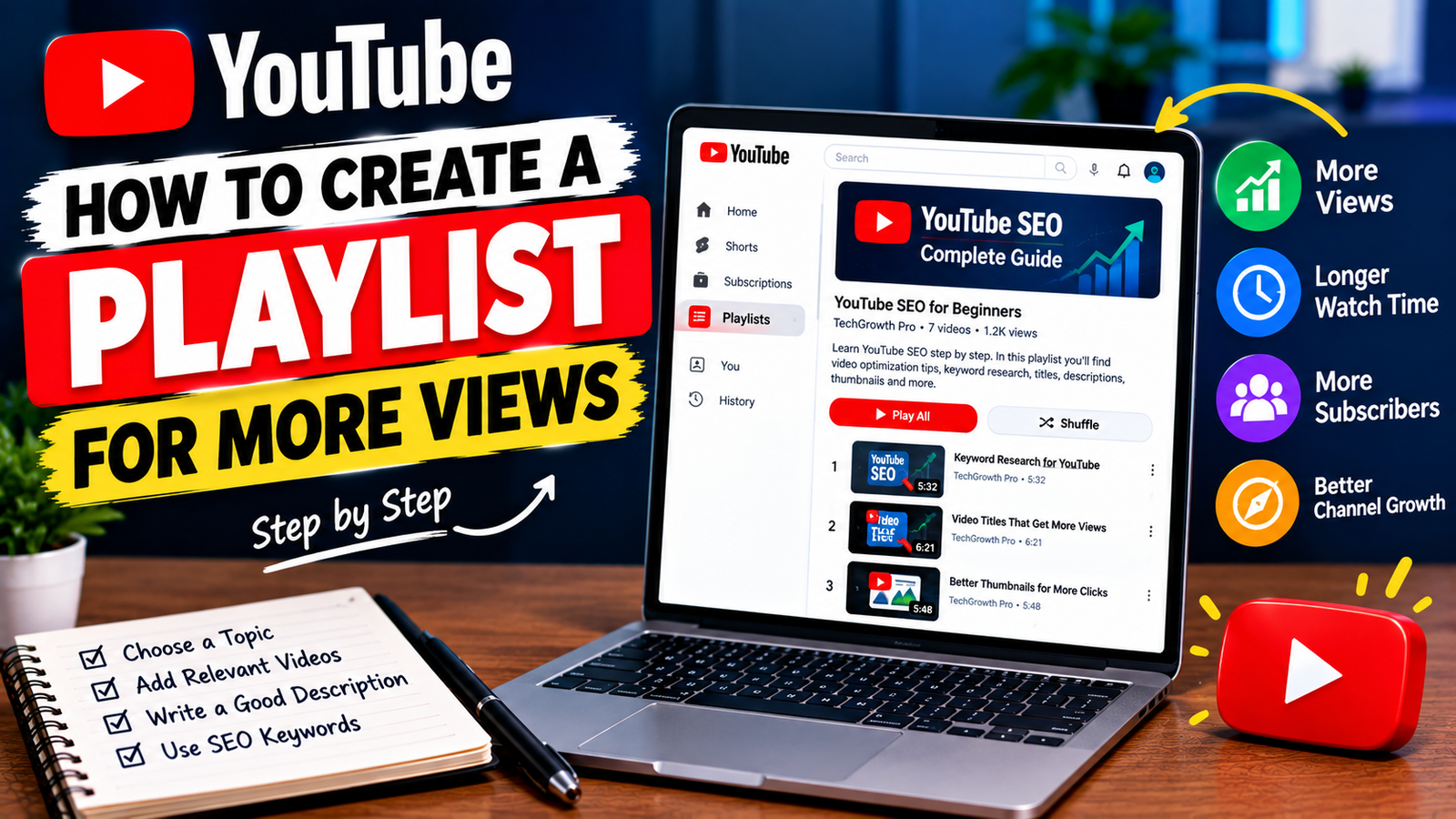
- YouTube SEO for Beginners
- YouTube Channel Growth Tips
- YouTube Analytics Tutorials
- YouTube Thumbnail Tips
- YouTube Shorts Guides
Each playlist gives viewers a clear reason to click and continue watching.
2. Use a Descriptive Playlist Title
Your playlist title should immediately tell viewers what they will find inside.
Instead of a vague title such as:
My YouTube Videos
Use something more specific:
YouTube SEO Tutorials for Beginners
Or:
YouTube Channel Growth Guide
A descriptive title makes the purpose of the playlist clear and can also naturally include terms related to the content.
3. Add Relevant Videos Only
Once you’ve created the playlist, add videos that genuinely belong together.
For example, a playlist about YouTube SEO might include videos about:
- Keyword research
- Video titles
- Descriptions
- Thumbnails
- Search optimization
- Analytics
Avoid adding unrelated videos just to make the playlist longer.
A smaller playlist with closely connected videos can provide a better viewing experience than a large collection of unrelated uploads.
4. Put Videos in a Logical Order
The order of your videos can make a big difference for educational or step-by-step content.
If you’re creating a beginner course, start with the basics and gradually move toward more advanced topics.
For example:
- Create a YouTube Channel
- Choose a Niche
- Find Video Topics
- Optimize Video Titles
- Create Better Thumbnails
- Understand YouTube Analytics
This creates a natural learning path for viewers.
5. Write a Useful Playlist Description
Don’t leave the playlist description empty.
Explain what viewers will learn and who the playlist is for.
For example:
This YouTube SEO playlist is designed for beginners who want to understand video optimization, keyword research, titles, descriptions, thumbnails, and basic analytics. Follow the videos in order to build a stronger foundation for your YouTube channel.
Naturally include terms that accurately describe the playlist, but don’t turn the description into a list of keywords.
6. Create Playlists Around Viewer Problems
One useful approach is to organize playlists around a specific problem.
Instead of creating a playlist called:
YouTube Tips
You could create:
How to Grow a New YouTube Channel
This gives viewers a clear reason to explore the playlist.
Think about the questions your audience regularly asks and organize related videos around those questions.
7. Make Playlists for Different Audience Levels
If your channel covers a broad topic, consider separating beginner and advanced content.
For example:
Beginner playlist:
YouTube Basics for New Creators
Intermediate playlist:
YouTube SEO and Channel Growth
Advanced playlist:
YouTube Analytics and Performance
This helps viewers find content that matches their current level.
8. Add New Videos to Relevant Playlists
Creating a playlist once isn’t enough.
Whenever you publish a new video, check whether it belongs in an existing playlist.
For example, if you already have a playlist about YouTube SEO and publish a video about optimizing video descriptions, consider adding it to that playlist.
Keeping playlists updated makes them more useful over time.
9. Link Playlists From Your Videos
Don’t expect viewers to discover your playlists automatically.
When appropriate, direct viewers toward a relevant playlist from your videos.
You can mention it naturally:
If you’re learning YouTube SEO from the beginning, check out the full playlist linked below.
You can also use relevant YouTube features that allow viewers to discover related content.
The goal is to make the next useful video easy to find.
10. Use Playlists to Build a Viewing Journey
A strong playlist can connect several videos into one viewing journey.
For example, someone watching a video about YouTube keywords may also need to learn about titles, descriptions, thumbnails, and analytics.
Instead of treating each video as completely separate, organize related videos so viewers can easily continue learning.
This can help viewers discover more of your content when the videos genuinely match their interests.
11. Check Playlist Performance
After creating playlists, use YouTube Analytics and your channel data to understand how your content is performing.
Look for patterns such as:
- Which videos attract viewers
- Which topics perform consistently
- Which videos are watched together
- Which playlists receive engagement
- Where viewers continue or stop watching
You can use these observations to improve your future playlists.
For example, if several videos about one specific topic perform well, you could organize them into a dedicated playlist.
12. Keep Your Playlists Organized
As your channel grows, you may create many playlists.
Review them occasionally and remove videos that no longer fit.
You can also rename unclear playlists and reorganize videos when necessary.
Avoid creating dozens of nearly identical playlists. A smaller number of well-organized collections can make your channel easier to navigate.
How Playlists Can Support More Views
A playlist does not automatically guarantee more views. Its main value is helping viewers discover related videos more easily.
When videos are closely connected, a viewer who finishes one video may have another relevant video available to watch next.
This is especially useful for:
- Tutorials
- Courses
- Step-by-step guides
- Product reviews
- Topic series
- Beginner education
- Related how-to videos
The key is relevance. Don’t add unrelated videos simply because you want to increase the number of videos in a playlist.
Example YouTube Playlist Structure
Suppose you run a channel about YouTube growth.
You could create a playlist called:
YouTube Growth for Beginners
Then organize videos like this:
- How to Start a YouTube Channel
- How to Find YouTube Video Topics
- How to Write Better Video Titles
- How to Create Better Thumbnails
- How to Optimize Video Descriptions
- How to Understand YouTube Analytics
- How to Improve Your Channel Strategy
This gives beginners a clear path through related content.
Common YouTube Playlist Mistakes
Avoid these common mistakes when creating playlists:
Adding unrelated videos: Keep each playlist focused.
Using vague titles: Tell viewers exactly what the playlist covers.
Leaving descriptions empty: Add a short explanation of the playlist’s purpose.
Ignoring video order: Arrange educational content in a logical sequence.
Creating too many playlists: Avoid unnecessary duplication.
Never updating playlists: Add relevant new videos as your channel grows.
Focusing only on views: A playlist should first provide a useful viewing experience.
Final Thoughts
Learning how to create a YouTube playlist for more views is mainly about organizing your content in a way that makes sense to viewers. Choose a focused topic, use a descriptive title, add relevant videos, write a useful description, and arrange the content in a logical order.
You can also connect playlists with your videos and regularly review your analytics to understand which topics your audience enjoys.
Remember that playlists are not a shortcut to guaranteed views. Their real value comes from making related content easier to discover and helping viewers move naturally from one useful video to another.
When your videos are organized around clear topics and viewer needs, playlists can become a valuable part of your overall YouTube channel strategy.