Why YouTube Videos Get Impressions but No Clicks
Getting YouTube impressions but no clicks can be frustrating. Your video may be appearing in search results, on the YouTube homepage, or alongside other videos, yet viewers are not choosing to watch it.
The good news is that impressions mean YouTube is showing your video to potential viewers. The main issue may be what happens after your thumbnail appears on someone’s screen.
If you are wondering why YouTube videos get impressions but no clicks, the problem is often related to the video’s title, thumbnail, topic, audience match, or the way the video is presented.
In this guide, we will explain the most common reasons for low clicks and practical ways to improve your video’s ability to attract viewers.
What Does It Mean When a Video Gets Impressions but No Clicks?
A YouTube impression means your video’s thumbnail has been shown to potential viewers in places where YouTube measures impressions.
When your video gets impressions, YouTube is giving it opportunities to be discovered.
However, an impression does not automatically become a view.
A viewer may see your thumbnail and continue scrolling, choose another video, or ignore the recommendation. This is where click-through rate (CTR) becomes important.
For example, imagine YouTube shows your thumbnail 10,000 times but only a small number of people click it. Your video has received exposure, but the packaging may not be convincing enough to turn those impressions into views.
1. Your Thumbnail Does Not Attract Attention
One of the most common reasons YouTube videos get impressions but no clicks is an ineffective thumbnail.
Viewers often make quick decisions while browsing. If your thumbnail looks confusing, boring, or difficult to understand, they may scroll past it.
A good thumbnail should communicate the main idea quickly.
For example, instead of filling the thumbnail with:
How to Get More Views on YouTube Using These Different Strategies
you could use a short phrase such as:
MORE VIEWS?
The thumbnail should be visually simple and easy to understand, especially on mobile devices.
2. Your Title Is Too Generic
A generic title may explain the subject without giving viewers a strong reason to click.
Compare:
YouTube Impressions Tips
with:
Why YouTube Videos Get Impressions but No Clicks
The second title clearly identifies a specific problem.
When viewers recognize their own problem in the title, they can immediately understand what the video is about.
Your title should be specific, accurate, and relevant to the audience you are trying to reach.
3. Your Title and Thumbnail Do Not Work Together
Your title and thumbnail should complement each other.
If both contain exactly the same information, you may waste valuable space.
For example:
Title: Why YouTube Videos Get Impressions but No Clicks
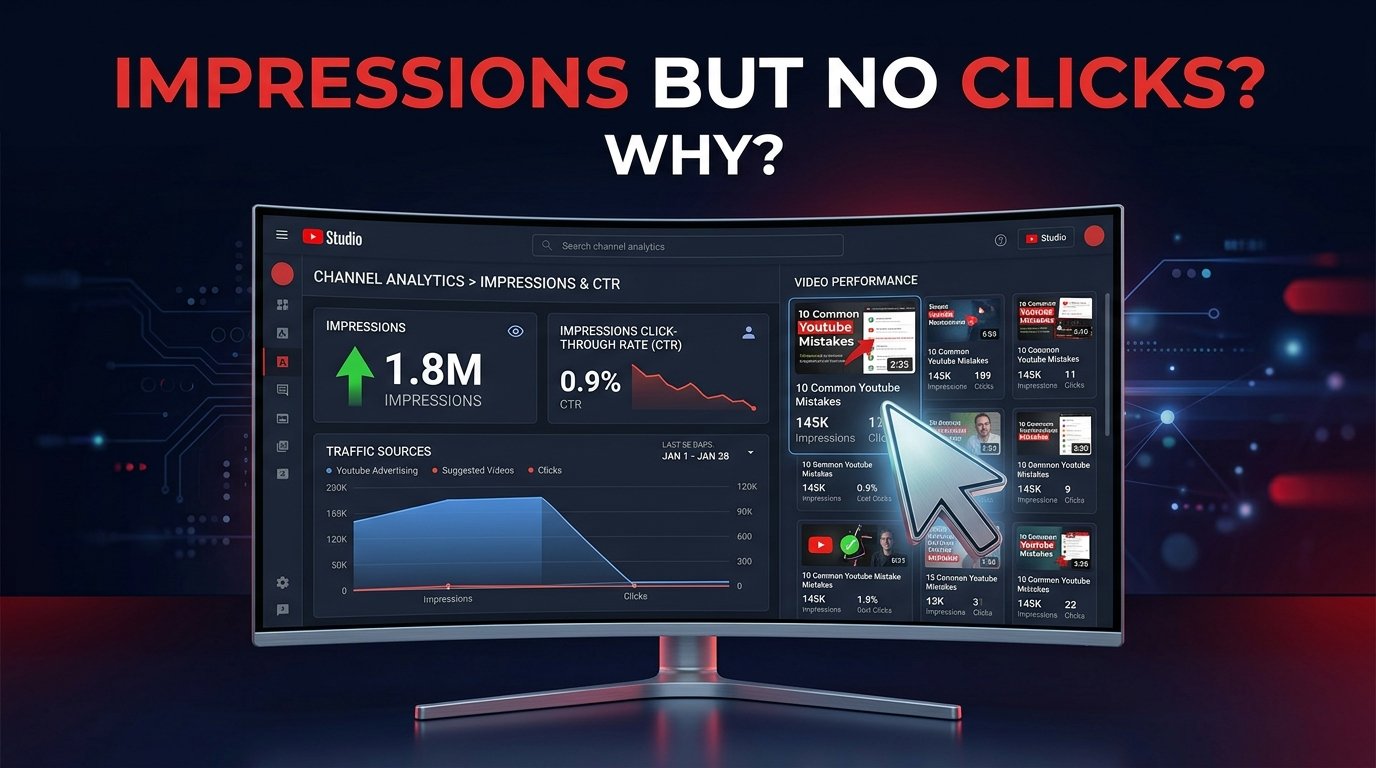
Thumbnail: IMPRESSIONS BUT NO CLICKS?
The title explains the problem while the thumbnail reinforces it visually.
You can use the two elements together to create a clear message without making either one unnecessarily complicated.
4. The Video Is Being Shown to the Wrong Audience
Sometimes the problem is not the thumbnail or title.
Your video may be receiving impressions from viewers who are not particularly interested in the topic.
For example, if your channel normally covers beginner YouTube tutorials but suddenly publishes a video aimed at advanced creators, some of your existing audience may not find it relevant.
When the audience and topic do not match, viewers may see the video but choose not to click.
Creating content for a clearly defined audience can help make your videos more relevant to the people who encounter them.
5. Your Topic Does Not Create Enough Curiosity
A topic can receive impressions without generating many clicks if viewers do not feel that they need to know the answer.
Consider the difference between:
YouTube Analytics Explained
and:
Why Your YouTube Views Suddenly Dropped
The second example presents a specific problem that may immediately interest someone experiencing it.
This does not mean every title needs to be dramatic. Instead, focus on solving a genuine problem or answering a clear question.
6. Your Thumbnail Is Too Complicated
Adding more elements does not necessarily make a thumbnail better.
Too much text, multiple charts, several icons, and numerous visual elements can make the main message difficult to understand.
Try to create one clear visual idea.
For a video about low clicks, you might show:
- A YouTube analytics screen
- A low CTR number
- A downward or weak click indicator
- Short thumbnail text
Keep the design clean so viewers can understand it quickly.
7. Your Video Looks Similar to Competing Videos
YouTube viewers often see multiple thumbnails about similar topics.
If your thumbnail looks almost identical to the other videos around it, it may not stand out.
Look at the search results for your topic and notice common thumbnail patterns.
Then create a design that remains relevant while having its own visual identity.
You do not need to use extreme colors or misleading images. A simple, clean design with a strong focal point can be enough.
8. Your Video Topic Is Too Broad
Broad topics can make it difficult to communicate a specific benefit.
For example:
YouTube Growth
covers a huge subject.
A more focused topic might be:
How to Get More YouTube Views From Search
or:
Why YouTube Videos Get Impressions but No Clicks
Specific topics make it easier to create a focused title and thumbnail.
They also help viewers understand exactly what they will learn.
9. Your Thumbnail Text Is Difficult to Read
Many people watch YouTube on smartphones.
If your thumbnail text is tiny, viewers may not understand the message while scrolling.
Use a small amount of large text instead of a long sentence.
For example:
NO CLICKS?
is easier to read than:
Why Are My YouTube Videos Getting Impressions But No Clicks?
The title can provide the details while the thumbnail delivers the visual hook.
10. The Video Does Not Match Viewer Expectations
Getting clicks is important, but the title and thumbnail should accurately represent the video.
If viewers click because of one promise but discover something completely different, they may leave quickly.
This can create a poor viewing experience.
Make sure the video delivers what the title and thumbnail communicate.
A strong combination is:
Clear promise → Relevant click → Useful content
This approach is more sustainable than trying to attract clicks through misleading packaging.
11. Check Your Click-Through Rate
If your video receives many impressions but relatively few views, check its CTR in YouTube Analytics.
CTR can provide useful context about how often viewers click after seeing a measured impression.
However, do not judge a video using CTR alone.
CTR can vary depending on factors such as traffic source, audience, topic, and where the thumbnail is displayed.
Instead of focusing on one number, compare similar videos on your channel and look for patterns.
12. Test Better Ideas Over Time
If your video gets impressions but very few clicks, treat the result as information.
Review:
- The title
- The thumbnail
- The topic
- The target audience
- The traffic source
- The CTR
- The overall video performance
Then make thoughtful improvements.
You do not need to completely change your channel because one video receives fewer clicks. Different videos can perform differently depending on their topics and audiences.
How to Improve YouTube Clicks
If you consistently receive impressions but few clicks, try this simple process:
Step 1: Identify the exact audience for the video.
Step 2: Make the topic specific.
Step 3: Write a clear title that communicates the problem or benefit.
Step 4: Create a simple thumbnail with one strong visual idea.
Step 5: Keep thumbnail text short and readable.
Step 6: Make sure the title and thumbnail complement each other.
Step 7: Check your analytics after the video has enough data.
Step 8: Use what you learn when creating your next video.
This process helps you improve based on actual performance rather than guessing.
Final Thoughts
If you are asking why YouTube videos get impressions but no clicks, start by looking at the elements viewers see before they watch your video.
A video can receive plenty of impressions while generating few clicks when the title is too generic, the thumbnail is unclear, the topic does not match the audience, or the overall presentation fails to communicate a strong reason to watch.
Focus on creating specific topics, clear titles, simple thumbnails, and accurate expectations. Then use YouTube Analytics to understand how viewers respond.
Remember that impressions and clicks are only part of YouTube performance. The goal is not simply to make people click, but to attract viewers who are genuinely interested in the content and give them a useful viewing experience.