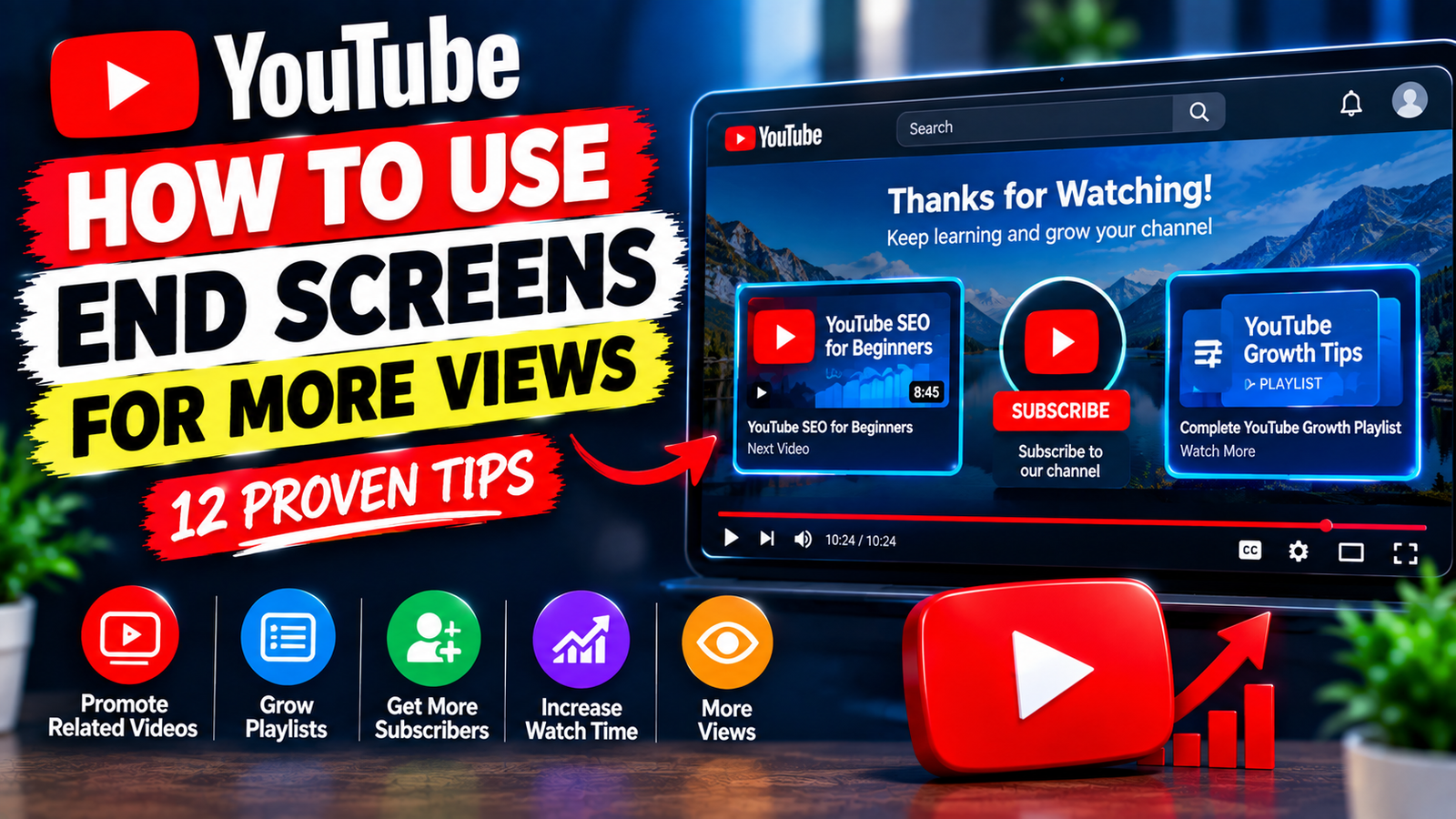
How to Use YouTube End Screens for More Views: 12 Tips
Getting viewers to watch your video is only one part of growing a YouTube channel. Another important opportunity comes at the end of the video, when you can guide viewers toward another relevant piece of content.
YouTube end screens allow creators to display clickable elements during the final part of a video. Depending on your available options, these elements can help direct viewers to another video, a playlist, a channel subscription, or other eligible destinations.
If you want to learn how to use YouTube end screens for more views, this guide explains how to choose the right elements, place them effectively, and create a better path for viewers after they finish watching.
1. Understand What an End Screen Does
An end screen appears during the final portion of a YouTube video.
Instead of allowing the video to simply end, you can use this space to give viewers another action.
For example, you can encourage viewers to:
- Watch another related video
- Explore a playlist
- Subscribe to your channel
- Visit another eligible channel or destination
The best choice depends on the goal of your video.
2. Promote a Closely Related Video
One of the simplest ways to use an end screen is to recommend another video that matches the current topic.
For example, if your video explains YouTube keyword research, your next recommendation could cover YouTube titles or video descriptions.
The connection should be obvious.
A viewer who enjoyed the first video should have a genuine reason to click the second one.
Avoid recommending a completely unrelated video just because it has more views.
3. Send Viewers to a Relevant Playlist
If you have several videos covering the same topic, an end screen can help viewers discover the larger collection.
For example, after a video about YouTube SEO, you could direct viewers toward a playlist containing:
- Keyword research tutorials
- Title optimization
- Description tips
- Thumbnail guides
- YouTube Analytics tutorials
This gives viewers a broader resource instead of asking them to search for related content themselves.
4. Choose the Next Video Before Editing
Think about the end screen while planning the video, not only after publishing.
Ask yourself:
What should the viewer watch next?
If you know the answer before creating the video, you can naturally mention it near the end.
For example:
If you want to learn how to optimize your YouTube descriptions, watch the next tutorial on screen.
This creates a clear transition from one video to another.
5. Leave Enough Space for End Screen Elements
Your end screen needs visible space.
If you place important information, graphics, or captions where the end-screen elements will appear, they may overlap and make the final screen difficult to understand.
When editing your video, leave a clean area for the clickable elements.
A simple background with a clear call to action can work better than a crowded final frame.
6. Add a Clear Verbal Call to Action
Don’t rely only on the visual end screen.
Tell viewers what you want them to do.
For example:
Want more YouTube SEO tips? Watch the next video on screen.
Or:
Continue the tutorial by opening the playlist shown here.
A short verbal instruction can make the end screen feel like a natural part of the video rather than something suddenly appearing at the end.
7. Match the End Screen With Viewer Intent
Your recommendation should relate to what the viewer just watched.
Suppose your video is:
How to Create a YouTube Playlist
A useful next video could be:
How to Use YouTube Playlists to Grow a Channel
The viewer’s interest naturally continues from one topic to the other.
This is much more logical than sending them to an unrelated video about a completely different subject.
8. Create a Content Chain
You can think of your videos as a connected chain.
For example:
Video 1: How to Find YouTube Keywords
↓
Video 2: How to Write Better YouTube Titles
↓
Video 3: How to Add Keywords to Descriptions
↓
Video 4: How to Improve YouTube Thumbnails
Each video can lead viewers toward another useful topic.
This approach helps you build a connected content library instead of treating every upload as an isolated piece of content.
9. Don’t Overload the Final Screen
More elements don’t necessarily make an end screen better.
If your final screen contains too many competing messages, viewers may not know what to click.
Keep the final call to action simple.
For example:
Watch Next
Then show one highly relevant video.
Or:
Continue Learning
Then direct viewers toward a relevant playlist.
A focused recommendation can be easier to understand than several competing choices.
10. Design the Final Seconds Carefully
The last few seconds of your video should feel intentional.
Avoid suddenly cutting from useful content to a completely unrelated screen.
Instead, create a short transition.
For example:
That’s how you can improve your YouTube descriptions. If you want to continue learning, watch the next SEO tutorial on screen now.
Then allow the end screen to remain visible long enough for viewers to understand their options.
11. Use Analytics to Learn What Works
After publishing videos with end screens, check your available YouTube Analytics data to understand how viewers interact with them.
You can look for patterns in your content and see whether certain videos successfully lead viewers toward additional content.
Pay attention to questions such as:
- Which videos receive clicks on their end-screen elements?
- Which recommendations make sense for your audience?
- Which topics work well together?
- Are viewers being directed to relevant content?
Use these observations to improve future end screens.
12. Update Old Videos When Appropriate
You don’t have to use this strategy only on new uploads.
Review older videos and consider whether their end-screen recommendations still make sense.
For example, an older YouTube SEO tutorial could point viewers toward a newer, more detailed guide covering a related topic.
This can help connect your older library with newer content.
Make sure the recommended video is genuinely useful to someone who just watched the original video.
Best End Screen Strategy for Beginners
If you’re a beginner, keep your strategy simple.
For each video, choose one primary goal.
For example:
Goal: Get another view
Recommend one highly relevant video.
Goal: Promote a topic
Send viewers to a related playlist.
Goal: Build subscribers
Include a subscription element alongside useful content.
You don’t need to make every end screen identical. Adjust it based on the purpose of each video.
Example End Screen Strategy
Imagine you publish a video called:
How to Write Better YouTube Video Descriptions
At the end, you could say:
Now that you know how to improve your descriptions, watch our guide on adding keywords to YouTube video descriptions.
Then use the end screen to highlight that related video.
The next video could continue the topic and eventually lead viewers toward a broader YouTube SEO playlist.
This creates a simple content journey:
Description Basics → Keyword Placement → YouTube SEO Playlist
Common End Screen Mistakes
Avoid these mistakes when using YouTube end screens:
Promoting unrelated videos: The recommendation should match the viewer’s current interest.
Adding too many choices: Keep the final screen easy to understand.
No verbal CTA: Tell viewers what they should watch next.
Crowded design: Leave enough visual space for end-screen elements.
Ending too quickly: Give viewers enough time to notice and use the end screen.
Never checking performance: Use available analytics to learn which recommendations work best.
Final Thoughts
Learning how to use YouTube end screens for more views is about creating a natural next step for your viewers. Instead of allowing people to leave after finishing a video, use the final moments to recommend another relevant video, playlist, or channel action.
Choose recommendations based on the viewer’s current interest, leave enough space for the end-screen elements, add a clear verbal call to action, and keep the final design simple.
Most importantly, don’t treat end screens as a guaranteed way to increase views. Their value comes from connecting genuinely related content and making it easier for viewers to continue exploring your channel.
When your videos form a logical viewing journey, each upload can help introduce viewers to another useful part of your content library.