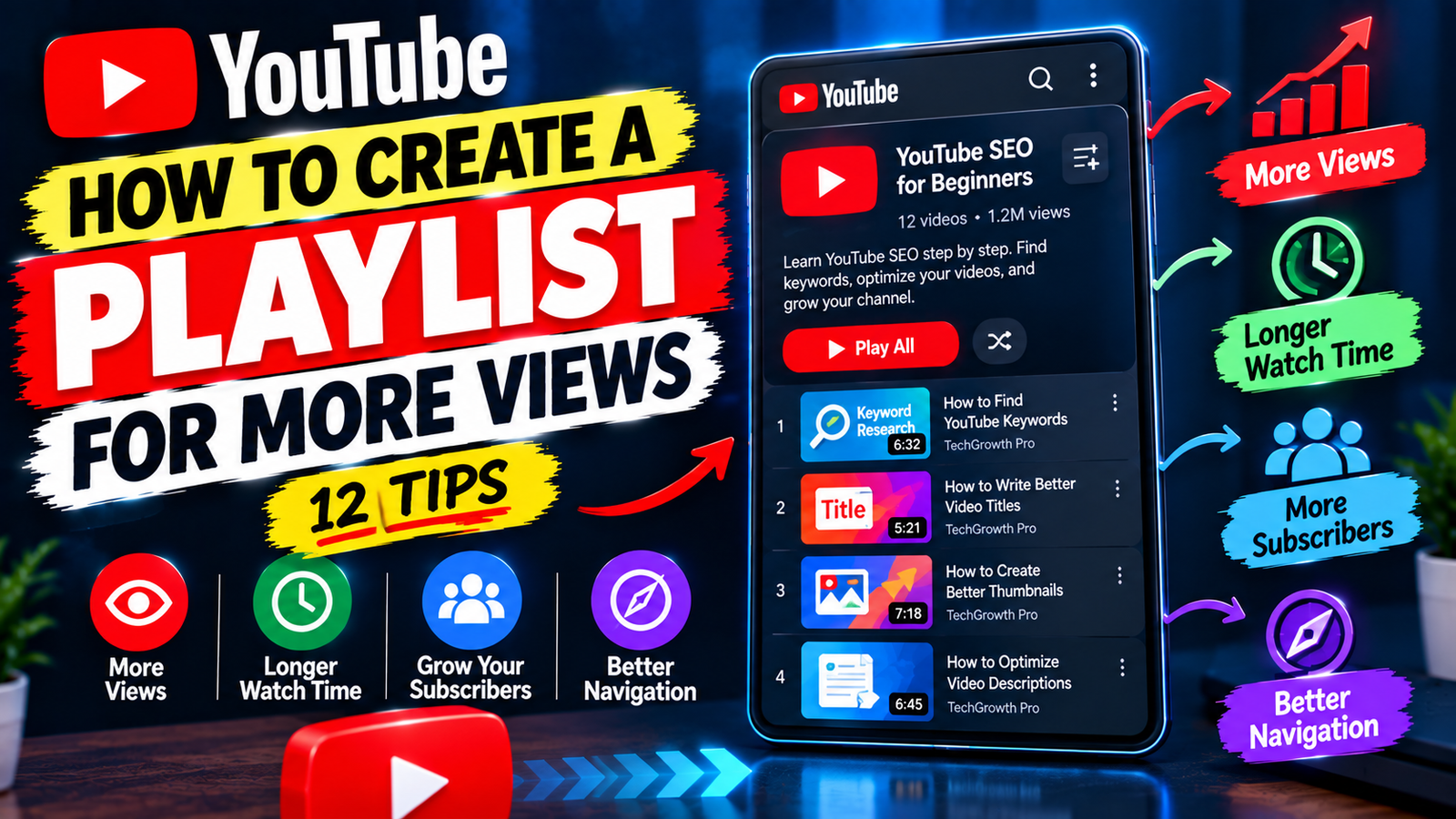
How to Create a YouTube Playlist for More Views: 12 Tips
Getting more views on YouTube is not always about uploading more videos. Sometimes, the content you already have can perform better when it is organized in a way that makes it easier for viewers to discover related videos.
YouTube playlists are useful for exactly this purpose. A playlist lets you group videos around a specific subject, series, problem, or audience. When your videos are connected logically, viewers have an easier way to continue exploring your channel.
If you want to learn how to create a YouTube playlist for more views, this guide explains how to choose videos, write playlist titles and descriptions, organize your content, and create a better viewing experience.
1. Start With a Specific Playlist Topic
Before creating a playlist, decide exactly what the collection will be about.
A focused playlist is usually more useful than one containing random videos from your channel.
For example, a channel about YouTube growth could create:
- YouTube SEO for Beginners
- YouTube Thumbnail Tutorials
- YouTube Analytics Guides
- YouTube Channel Growth Tips
- YouTube Shorts Tutorials
Each playlist gives viewers a clear idea of what they will find.
2. Choose Videos That Belong Together
The videos inside your playlist should have a strong connection.
For example, a playlist called YouTube SEO for Beginners could include videos about keywords, titles, descriptions, thumbnails, search optimization, and analytics.
Don’t add unrelated videos just because they have good views.
The goal is to create a useful collection where one video naturally leads to another.
3. Create a Search-Friendly Playlist Title
Your playlist title should be clear and descriptive.
Avoid titles such as:
My Favorite Videos
A better option would be:
YouTube SEO Tips for Beginners
Or:
How to Grow a YouTube Channel
A descriptive title helps viewers immediately understand the playlist and can naturally include words related to its topic.
Don’t make the title unnecessarily long. Keep it simple and readable.
4. Write a Helpful Playlist Description
The playlist description gives you another opportunity to explain the collection.
Describe what viewers will learn and who the playlist is intended for.
For example:
This playlist covers practical YouTube SEO tips for beginners, including keyword research, video titles, descriptions, thumbnails, and basic optimization strategies. Follow the videos to learn how to improve your YouTube content step by step.
Use natural language rather than stuffing the description with repeated keywords.
5. Put the Best Starting Video First
The first video can influence whether someone continues exploring the playlist.
If your playlist is educational, consider starting with the video that provides the basic information viewers need before moving to more advanced topics.
For example:
- YouTube SEO Basics
- How to Find Keywords
- How to Write Better Titles
- How to Optimize Descriptions
- How to Improve Thumbnails
This creates a logical progression.
6. Build a Connected Viewing Journey
Think beyond individual videos.
Ask yourself:
What should someone watch after this video?
If you have a video about finding YouTube keywords, a related video about writing SEO-friendly titles may be the natural next step.
Grouping these videos together creates a viewing journey.
This approach can be especially useful for tutorials, educational channels, courses, and multi-part guides.
7. Organize Playlists Around Viewer Problems
Another effective strategy is to create playlists based on problems your audience wants to solve.
Instead of:
YouTube Tips
Try something more specific, such as:
How to Grow a New YouTube Channel
You could then include videos covering topics such as finding content ideas, getting initial views, improving thumbnails, optimizing videos, and understanding analytics.
The playlist becomes a resource rather than simply a collection of uploads.
8. Add Relevant New Videos
Your playlist shouldn’t remain unchanged while your channel continues growing.
When you publish a new video, check whether it fits into one of your existing playlists.
For example, if you create a new video about YouTube descriptions and already have a YouTube SEO playlist, adding the new video can keep the collection current.
This also helps prevent older playlists from becoming outdated.
9. Use Playlists to Organize Your Channel
Playlists can make a large channel easier to navigate.
Imagine a visitor arrives at your channel and sees hundreds of individual videos. It may be difficult for them to know where to start.
Organized playlists can divide the content into clear categories.
For example:
Start Here
Beginner YouTube guides
YouTube SEO
Search and optimization tutorials
Thumbnails
Thumbnail design and click-related tips
Analytics
Performance and data guides
This gives visitors clear paths through your content.
10. Promote Relevant Playlists From Your Videos
Don’t simply create a playlist and forget about it.
When a playlist genuinely relates to a video, let viewers know about it.
For example, you could say near the end of a video:
If you want to learn more about YouTube SEO, check out the complete playlist for beginners.
You can also use relevant YouTube features to help viewers access related content.
The recommendation should always make sense for the viewer.
11. Use Analytics to Improve Your Playlists
After creating playlists, pay attention to how your content performs.
Look at which topics attract viewers and which videos seem to generate interest in related content.
You can use these observations to improve your playlist strategy.
For example, if several videos covering one specific YouTube topic consistently perform well, consider creating a dedicated playlist that brings those videos together.
Analytics can help you understand what your audience is actually interested in instead of relying only on assumptions.
12. Keep Playlists Clean and Focused
As your channel grows, your playlists may need maintenance.
Review them occasionally and ask:
- Does every video still belong here?
- Is the playlist title accurate?
- Is the order logical?
- Does the description explain the topic?
- Are there duplicate playlists?
- Should newer videos be added?
Remove videos that no longer fit the topic.
A focused playlist is generally more useful than one containing dozens of loosely related videos.
How Playlists Can Help You Get More Views
A YouTube playlist cannot guarantee more views by itself. Its value comes from making related content easier to discover.
For example, a viewer might find one of your videos through YouTube Search. If that video is part of a relevant playlist, the viewer has a convenient way to explore other videos covering the same subject.
This can be particularly helpful when your channel has several videos that solve different parts of the same problem.
Instead of treating every upload as a separate piece of content, playlists allow you to connect them.
Example YouTube Playlist
Suppose your channel teaches beginners how to grow on YouTube.
You could create a playlist called:
YouTube Growth for Beginners
Then organize it like this:
- How to Start a YouTube Channel
- How to Find YouTube Video Topics
- How to Get Your First Views
- How to Write Better Video Titles
- How to Make Better Thumbnails
- How to Optimize Video Descriptions
- How to Understand YouTube Analytics
The viewer can move from one topic to the next without having to search through your entire channel.
Mistakes to Avoid
When creating playlists, avoid adding unrelated videos simply to make the playlist larger.
Don’t repeat the same videos across many nearly identical playlists without a clear reason.
Also avoid keyword stuffing in playlist titles and descriptions. A playlist should be written for people first.
Another mistake is creating playlists without updating them. If your channel continues publishing relevant content, your existing playlists should evolve as well.
Final Thoughts
Learning how to create a YouTube playlist for more views is really about connecting your content in a useful way. Choose a specific topic, add closely related videos, create a clear title, write a helpful description, and arrange the videos in an order that makes sense.
You can then connect playlists with relevant videos and use analytics to understand which topics deserve more attention.
Playlists are not a guaranteed method for increasing views, but they can make your channel easier to navigate and help viewers discover more of the content they are already interested in.
When several useful videos are connected into one organized resource, your existing content has more opportunities to be discovered and watched together.