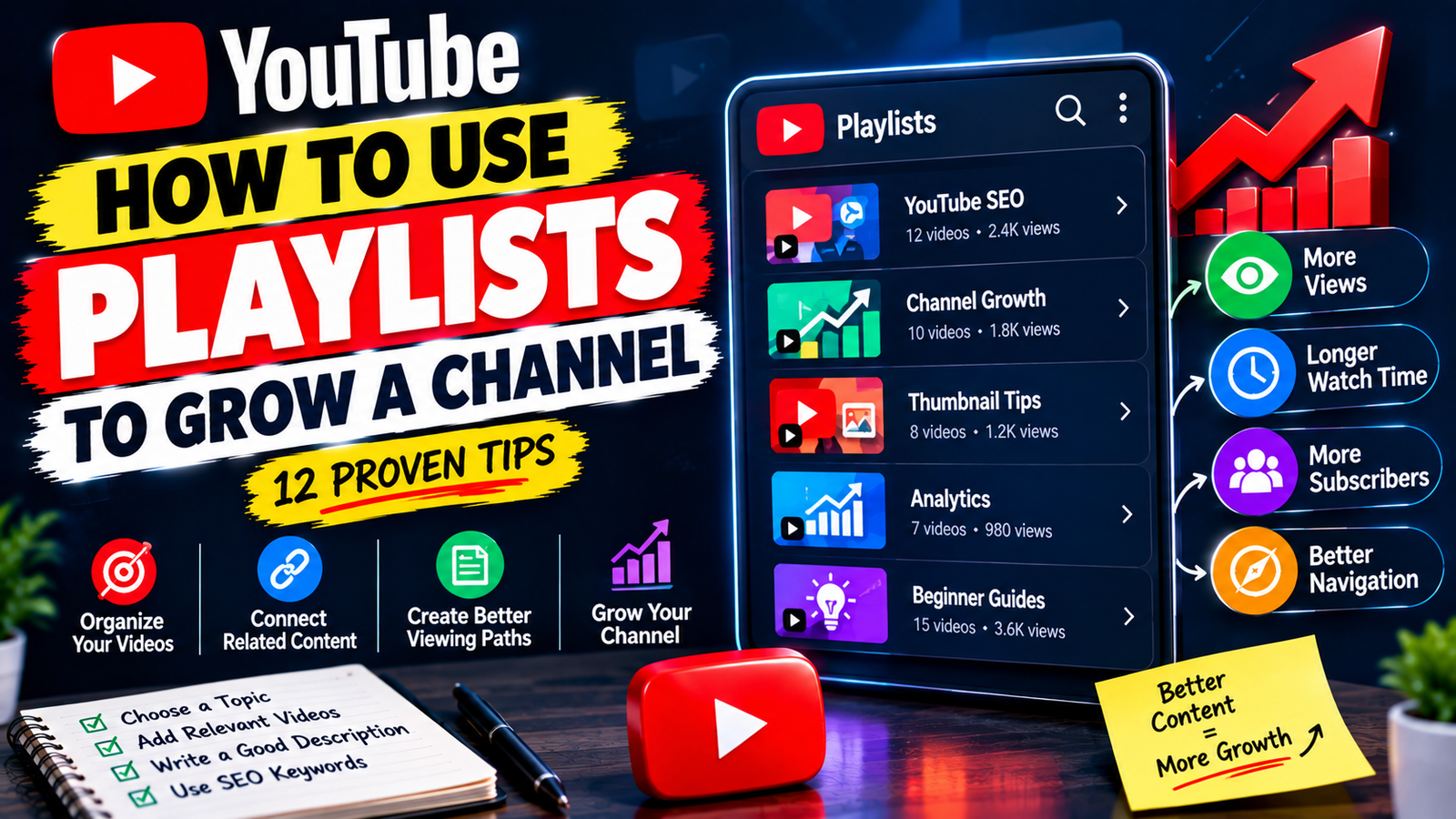
How to Use YouTube Playlists to Grow a Channel: 12 Proven Tips
Growing a YouTube channel requires more than simply uploading new videos. You also need to make it easy for viewers to discover your existing content and find another useful video after watching one.
This is where YouTube playlists can become an important part of your channel strategy. Playlists allow you to organize related videos into collections based on topics, audience needs, or learning goals.
If you want to learn how to use YouTube playlists to grow a channel, you can start by connecting videos that naturally belong together. A well-organized playlist can make your channel easier to navigate and give viewers a simple path to explore more of your content.
1. Understand the Purpose of a Playlist
A YouTube playlist is a collection of videos organized around a common theme or purpose.
For example, a technology channel might create playlists for:
- Smartphone tutorials
- AI tools
- Windows tips
- YouTube tutorials
- Internet safety
Instead of forcing viewers to search through your entire channel, playlists give them organized collections of related content.
2. Create Playlists Based on Audience Interests
Think about what your viewers are actually looking for.
If your channel covers YouTube growth, your audience might be interested in different areas such as:
YouTube SEO
Videos about keywords, titles, descriptions, and search optimization.
Channel Growth
Videos about getting views, subscribers, and building an audience.
YouTube Analytics
Videos explaining impressions, traffic sources, retention, and performance.
Separating these subjects can make your channel easier for different types of viewers to explore.
3. Keep Each Playlist Focused
Avoid putting every upload into the same playlist.
A playlist should have a clear purpose. If someone clicks on it, they should understand why all the videos belong together.
For example, a playlist called YouTube Thumbnail Tips should mainly contain videos related to thumbnails, clicks, design, and visual optimization.
Don’t add unrelated videos simply because you want the playlist to contain more content.
4. Use Clear Playlist Names
The title should explain the playlist immediately.
Instead of:
My Videos
Try:
YouTube SEO Tutorials for Beginners
Instead of:
Growth Stuff
Try:
YouTube Channel Growth Strategies
Clear titles are more useful to viewers and make the purpose of the playlist obvious.
5. Write a Useful Playlist Description
A playlist description gives you space to explain what the collection contains.
For example:
This playlist covers practical YouTube growth strategies for beginners, including video SEO, thumbnails, descriptions, analytics, and content optimization. Watch the videos to learn how to improve your channel step by step.
Keep the description natural and informative. Don’t fill it with repeated keywords.
6. Arrange Videos in a Logical Order
Video order matters when your playlist is designed to teach something.
Suppose you have a beginner YouTube course. You could arrange it like this:
- How to Start a YouTube Channel
- How to Choose a Niche
- How to Find Video Topics
- How to Write Better Titles
- How to Create Better Thumbnails
- How to Optimize Descriptions
- How to Read YouTube Analytics
This creates a natural learning path.
For a simple topic collection, you may instead put your strongest or most useful videos near the beginning.
7. Connect Videos That Naturally Lead to Each Other
One of the biggest advantages of playlists is that they can connect related content.
Imagine someone watches a video about YouTube keyword research. They may also want to learn how to use those keywords in video titles and descriptions.
If these videos are organized together, viewers have an obvious next step.
Think of each video as one part of a larger content journey rather than a completely separate upload.
8. Build Topic-Based Content Hubs
Playlists can act as small content hubs within your channel.
For example, you could have:
YouTube SEO Hub
- Keyword research
- Search optimization
- Video titles
- Descriptions
- Tags
- Analytics
Another playlist could focus entirely on:
YouTube Thumbnail Hub
- Thumbnail design
- Mobile thumbnails
- Click-through improvements
- Common thumbnail mistakes
This organization becomes especially useful as your channel grows and accumulates more videos.
9. Feature Important Playlists on Your Channel
Creating playlists is only part of the strategy. Make important playlists easy for visitors to discover.
Your channel homepage can be organized into sections that highlight different categories of content.
For example:
Start Here — beginner videos
YouTube SEO — optimization tutorials
Channel Growth — growth strategies
Analytics — performance guides
This gives new visitors a clear idea of where they should begin.
10. Add New Videos to Existing Playlists
Your playlist strategy should grow with your channel.
Whenever you publish a new video, check whether it belongs to an existing playlist.
For example, if you have a playlist about YouTube SEO and publish a new video about optimizing descriptions, adding it to that playlist keeps the collection current.
You can also create a new playlist when you have enough closely related videos to justify one.
11. Use Playlists to Encourage Content Discovery
Don’t assume viewers will automatically find your other videos.
When a related playlist exists, mention it naturally in your content.
For example:
If you want to learn YouTube SEO from the beginning, check out our complete beginner playlist.
You can also connect relevant videos using available YouTube features that make related content easier to access.
The important thing is relevance. Recommend content that genuinely continues the viewer’s current interest.
12. Improve Playlists Using Analytics
Your analytics can help you understand which topics deserve more attention.
Look for patterns in your videos, such as:
- Topics that consistently attract viewers
- Videos that generate strong engagement
- Content that brings new viewers
- Videos that perform well over time
- Topics that repeatedly appear among your better-performing uploads
If several videos around one subject perform well, consider building a stronger playlist around that topic.
This allows your playlist strategy to be based on actual channel performance rather than guesswork.
How Playlists Can Support Channel Growth
A playlist does not guarantee more views or subscribers. Its main benefit is better content organization and easier discovery.
Suppose a viewer finds one of your videos through YouTube Search. If that video belongs to a relevant playlist, the viewer has a convenient way to discover other videos covering the same subject.
For example:
Video 1: How to Find YouTube Keywords
↓
Video 2: How to Write Better YouTube Titles
↓
Video 3: How to Optimize YouTube Descriptions
↓
Video 4: How to Improve YouTube Thumbnails
These videos work individually, but together they can form a useful learning path.
Example Playlist Strategy for a Small Channel
Let’s say you run a channel about YouTube tips.
You could organize your content into four main playlists:
YouTube SEO for Beginners
Include videos about keywords, titles, descriptions, search, and optimization.
YouTube Channel Growth
Include videos about views, subscribers, audience building, and content strategy.
YouTube Thumbnail Tips
Include videos about thumbnail design, clicks, mobile thumbnails, and visual improvements.
YouTube Analytics
Include videos about impressions, traffic sources, audience data, and video performance.
This structure allows visitors to choose the topic that matches their current needs.
Mistakes That Can Hurt Your Playlist Strategy
Avoid creating too many playlists with almost identical content.
Don’t add unrelated videos simply to make a playlist longer. A focused collection is usually more useful than a large but confusing one.
Also avoid keyword stuffing in playlist titles and descriptions. Your wording should sound natural and accurately describe the videos.
Finally, don’t forget about older playlists. Review them occasionally and update their video order, descriptions, and content when necessary.
Final Thoughts
Learning how to use YouTube playlists to grow a channel is mainly about turning individual videos into organized content collections. Create playlists around clear topics, group genuinely related videos, use descriptive titles, write helpful descriptions, and arrange videos in a logical order.
As your channel grows, use analytics to identify subjects that deserve stronger content collections and keep your playlists updated with relevant uploads.
Playlists are not a shortcut to guaranteed channel growth. Their real value comes from helping viewers navigate your content and discover additional videos that match their interests.
When your videos are connected thoughtfully, your channel becomes easier to explore and your existing content can work together as a larger resource for your audience.